Choose wireless earbuds that fit comfortably, work fully with your phone and suit where you listen. Then compare call quality, battery life with your preferred listening mode switched on, and the return policy. A better codec or a higher Bluetooth number cannot rescue an uncomfortable pair.
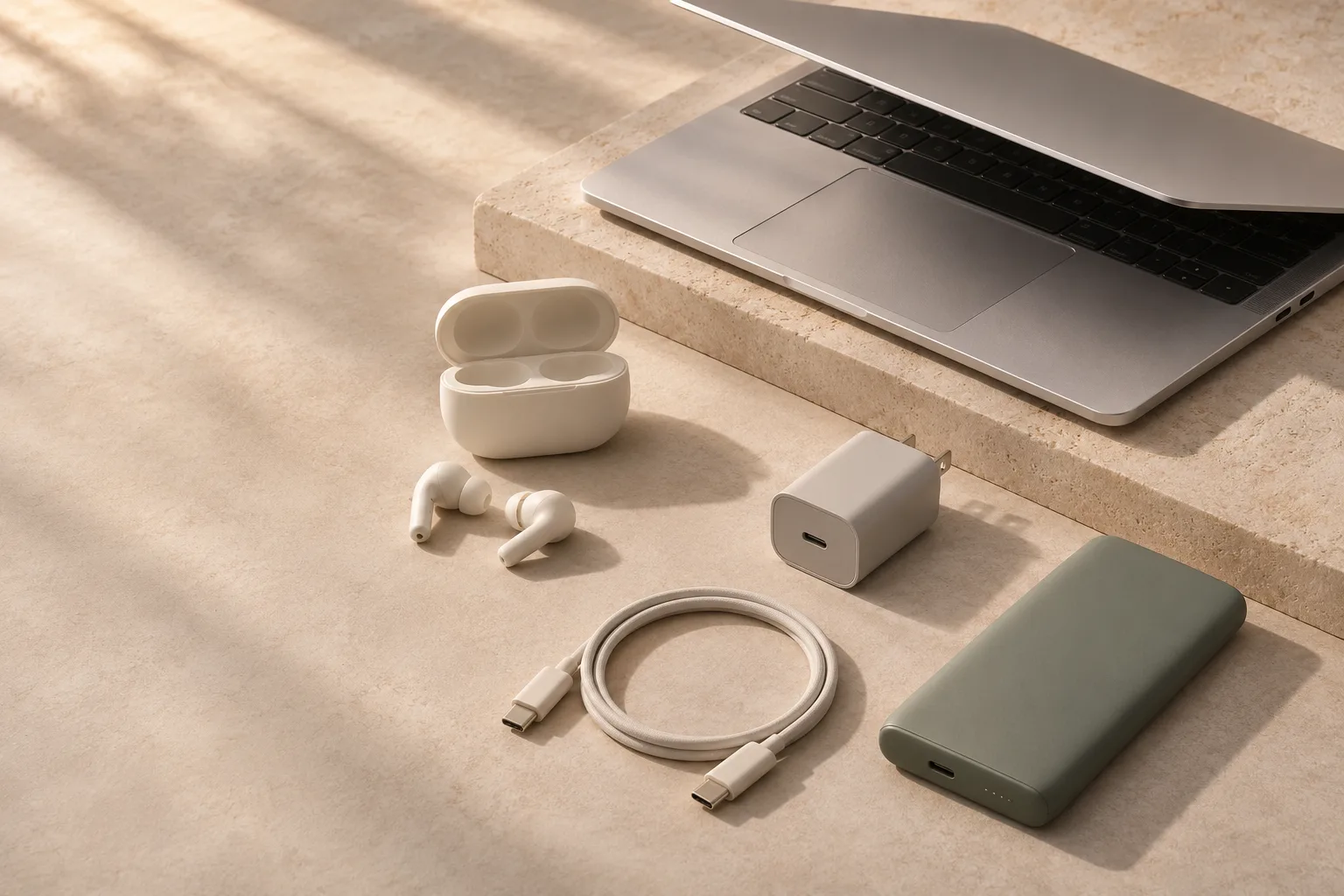
- Choose your fit before your features.
- Check what works on your actual phone.
- Compare earbud battery life, not just the case total.
Start with the part of your day that matters most
Think about your last week, rather than every situation in which you might someday use earbuds. Someone taking calls at a desk needs a different shortlist from someone listening on a noisy train. Pick one main job and one secondary job. This makes it easier to decide which compromises are acceptable.
| Your main use | Prioritize | The trade-off to check |
|---|---|---|
| Commuting | Comfort, a reliable seal and useful noise cancellation | How natural transparency mode sounds when you need it |
| Work calls | Microphone recordings in realistic noise; easy device switching | Whether switching works between your particular phone and computer |
| Exercise | Secure fit, usable controls and the stated sweat-resistance conditions | Stability when moving, not just comfort while sitting |
| Listening at home | Long-session comfort and sound you enjoy | Whether you need to pay for strong noise cancellation at all |
Use this priority to set your budget. If you mainly listen in a quiet room, a comfortable simpler pair can be a better purchase than an uncomfortable flagship whose strongest feature you rarely use.
Fit is part of sound quality
Sealed in-ear designs use tips to sit against the ear canal. The seal helps with bass and passive isolation; Apple’s fit guidance illustrates why the right tip matters for both sound and noise cancellation. [1]
Open-fit earbuds sit without the same seal. They may suit people who dislike the plugged-ear feeling, but the fit is often less adjustable and outside noise competes with music. Neither design is universally more comfortable. Ear shape, pressure and how long you wear them matter more than the photographs.
If you can try a pair, wear both earbuds long enough to notice pressure. Talk, turn your head and gently move your jaw. With replaceable tips, try more than one size; the same size need not suit both ears. Check the retailer’s opened-earbud return policy before buying, because hygiene exclusions can make a trial purchase difficult.
Choose how much of the world you want to hear
Active noise cancellation (ANC) is most useful when persistent background noise makes listening tiring. It does not make every sound disappear. Compare evidence from the same reviewer or test method where possible; an isolated marketing claim is hard to interpret.
Transparency mode plays outside sound through the earbuds. For some people, a natural-sounding conversation and a comfortable sense of their surroundings are more valuable than the strongest possible ANC. Try your own voice as well as someone else’s: an unnatural or amplified sound can become distracting.
Check whether ANC and transparency can each be disabled, whether their controls are available on your phone, and what happens when you wear only one earbud. If you dislike the sensation of ANC, make a good off mode a requirement. You do not need to choose the most expensive noise-control system to make a sensible purchase.
Check the pairing you will actually use
Basic Bluetooth pairing is only the start. An app may be needed to change controls, adjust equalization or install firmware. Some features are restricted to a manufacturer’s own phones, and an app available on one platform may not offer the same functions on another.
A codec is the audio format used over the wireless connection. The phone and earbuds must both support it. Treat premium codec labels as a compatibility check, not a promise that one pair will sound better to you. Fit, tuning, source material and your listening environment still matter.
Likewise, a newer Bluetooth version does not by itself guarantee LE Audio or Auracast support. The Bluetooth SIG describes Auracast as requiring specific capabilities, rather than just a version number. Check the feature explicitly on both devices. [2]
For calls, listen to sample microphone recordings made in a quiet room and in street or wind noise. The number of microphones is not a useful ranking by itself. If you alternate between a laptop and a phone, verify genuine multipoint support or the exact ecosystem-switching requirements. Being paired with two devices is not always the same as staying connected to both.
Look beyond the headline battery figure
Separate the time the earbuds run on one charge from the total including the case. A large case total is little help during a long uninterrupted call. Compare figures measured with similar settings: ANC, volume, codec and calling can change runtime. A manufacturer’s maximum is a claim under stated conditions, not a guarantee for your day.
Look at the case as something you will carry daily. Does it fit your pocket? Does it use the charging cable you already own? Wireless charging is convenient only if you have a compatible pad and use it. Check whether replacement tips, a single lost earbud or a replacement case are available, and what the warranty actually covers.
Read the water-resistance conditions for the earbuds and the case separately. A resistance rating is not a blanket promise that either can be worn swimming or put away wet. Manufacturer guidance can exclude activities and warns that resistance can diminish over time. [3]
Turn the shortlist into a decision
Compare two or three candidates against your main use. Write down the compromise you would be accepting with each one. “Comfortable all day, average in wind” is a more useful conclusion than “has eight microphones.”
- Confirm the exact model and charging-case variant; similar names can hide different features.
- Check app support, multipoint behavior and required phone versions before paying.
- Read the warranty and opened-product return terms for your country and seller.
- Keep your current pair if the new one would not solve a problem you actually notice.
For most buyers, the right order is fit, everyday usability, then extras. Once those first two are right, sound preferences and convenience features can decide between otherwise good options.
CHECK THE DETAILS
Sources & further reading
Primary sources checked on 14 November 2026. Product support and travel rules can change; verify details for the exact model or journey.
- Apple Support — choosing ear tips and checking the seal ↗
Fit and acoustic seal; the model-specific guidance is an example, not a product recommendation.
- Bluetooth SIG — Auracast frequently asked questions ↗
Feature requirements and device compatibility.
- Apple Support — sweat and water resistance ↗
Limits of resistance and separate earbud/case conditions.
This is a research-based buying guide, not a hands-on product test. There are no affiliate links in this guide. Our editorial approach.