Choose a USB-C charger by checking the charging standard and power your device accepts, then the power available from the port you will use. Match the cable as well. For a multi-port charger, check its power-sharing table with all your devices connected; the headline wattage alone is not enough.
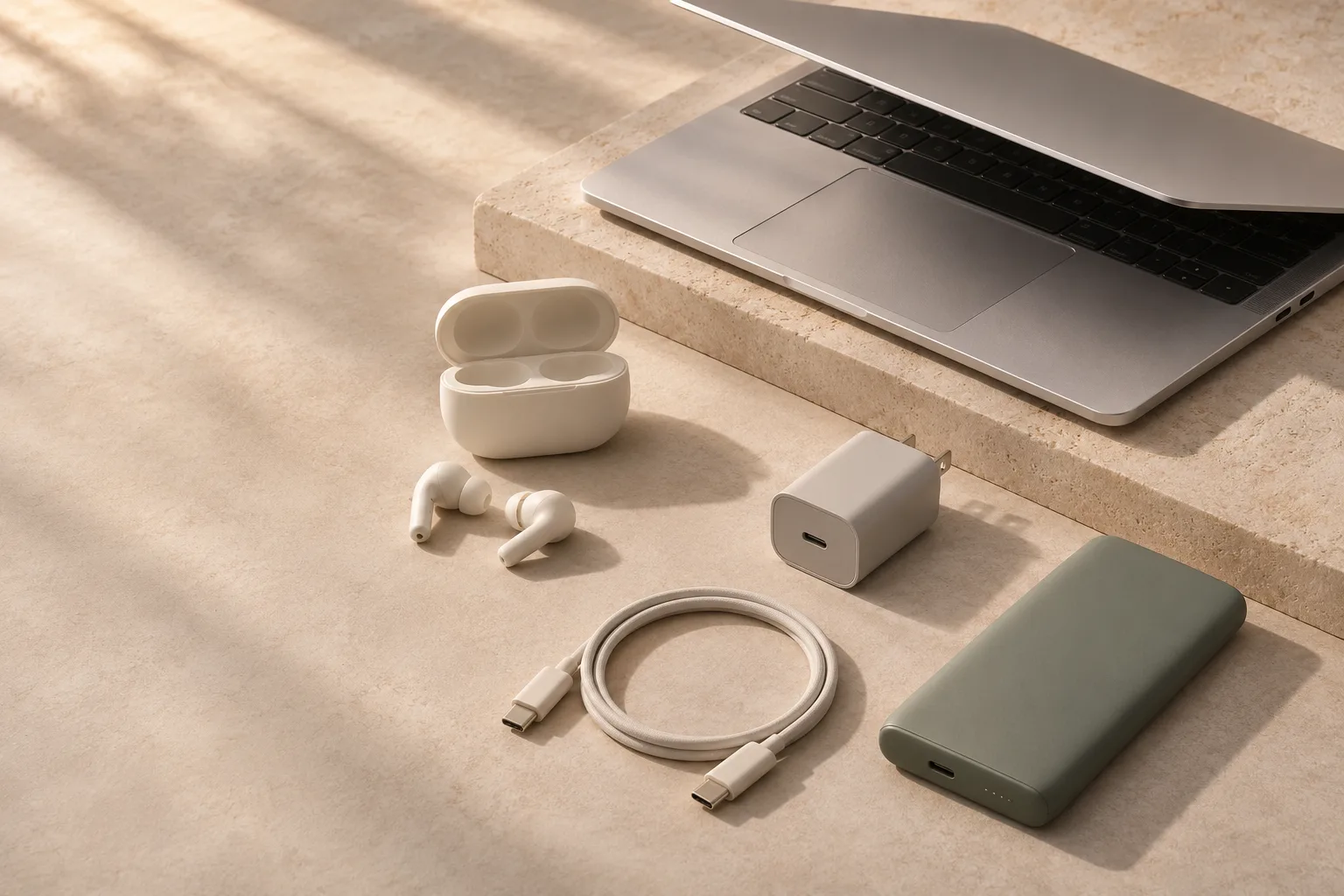
- Match the charging protocol as well as the watts.
- Check the output with every intended port in use.
- Treat the cable as part of the charging system.
Start with the device, not the charger
Find your device’s charging requirements in its manual or the manufacturer’s support pages. For a laptop, check that the USB-C port actually accepts charging and note the recommended adapter power. A USB-C-shaped socket does not by itself promise USB Power Delivery, fast data or display output; USB-IF explicitly distinguishes the connector from those capabilities. [1]
Make a short list of the devices you will charge together. A phone on its own, a laptop at a desk and a laptop-plus-phone travel setup are three different requirements. Buying one very powerful charger for an occasional combination can make less sense than keeping the charger you already have and adding a small one for daily use.
| What to check | Where to look | Why it matters |
|---|---|---|
| Device charging standard | Manufacturer manual or support page | A matching plug does not guarantee the intended charging mode |
| Recommended laptop power | Original adapter and model documentation | A lower-power charger may charge slowly or fail to keep up during use |
| Single-port output | Charger output table | The total rating may exceed the power available to one device |
| Multi-port allocation | Simultaneous-use power table | Connecting a phone can reduce the laptop port’s output |
Understand PD and PPS without memorizing standards
USB Power Delivery (USB PD) lets compatible devices and chargers negotiate power. A compliant higher-wattage PD charger does not force its entire rated output into a smaller device. The rating describes what it can supply under supported conditions, not what every connected device will draw. [2]
Programmable Power Supply (PPS) is a capability used by some devices for their faster charging modes. For example, Samsung tells buyers to check PPS support as well as wattage for Super fast charging. A large number printed on a charger is therefore insufficient evidence of compatibility. [3]
Look for an explicit compatibility statement for your device, then verify the detailed output ranges if its manufacturer specifies them. Some phones use proprietary fast-charging systems and reach their advertised maximum only with particular adapters and cables. Decide whether reaching that peak actually matters to your routine: a compatible slower charger may already be adequate overnight.
Read the output table as a real-world scenario
For a single device, identify the maximum output of the exact port you plan to use and confirm the required charging profile. For multiple devices, find the row that matches the ports you will occupy. “Total output” can hide a much smaller allocation to the main USB-C port.
Consider an illustrative charger advertised as 100 W. Its documentation might allow 100 W from USB-C1 alone but divide power into 65 W and 30 W when two ports are used. That would not preserve 100 W for a laptop while charging a phone. These numbers describe an example, not a tested or recommended product.
Do not assume unused power on a second port automatically returns to the first. Allocation depends on the charger. Some models also briefly renegotiate when another device is connected, which can interrupt charging. If you will use it with a dock or equipment that needs continuous power, read the manufacturer’s behavior notes before buying.
A useful shortlist entry is “enough power for my laptop and phone together,” with the relevant output-table row saved alongside it. That is more informative than the number of sockets.
Choose the cable at the same time
The cable can limit the usable power even when the charger and device are compatible. Look for a clear power rating and the current requirement specified for your device’s charging mode. Existing 100 W cables remain relevant, while the current USB-IF certification markings for USB-C-to-C cables use 60 W or 240 W labels. [4]
For charging above 60 W, verify that the cable supports the necessary current and power. For power above 100 W, the device, charger and cable must all support the relevant Extended Power Range capabilities. Buying a high-rated cable does not add those capabilities to a lower-rated charger or device.
Charging power and data speed are separate. A cable suitable for charging may be slow for file transfers or unsuitable for a display. If the same cable will connect a laptop to a monitor, check video and data support separately instead of choosing only by wattage.
Choose a sensible length and a connector shape that fits your case and workspace. A stiff, heavy cable can be awkward on a small bedside charger even if its electrical specifications are excellent.
Balance size, seller quality and travel needs
Gallium nitride (GaN) is a component technology often used in compact chargers. Treat it as a clue about design, not an independent safety certificate or a guarantee of better charging. Dimensions, weight, plug stability and clear output specifications still deserve your attention.
Buy from an identifiable manufacturer and a seller with a traceable return and warranty process. Check the safety markings required in your market and any relevant recall information. USB-IF certification concerns USB compliance; do not treat it as a substitute for electrical-safety requirements.
For travel, read the input-voltage range on the charger. A plug adapter changes the physical connection, not the voltage. Also check whether a bulky charger blocks adjacent outlets or hangs loosely from an adapter. Those details can matter more in a hotel room than a modest difference in the advertised wattage.
A simple buying rule
Choose the smallest reputable charger that supplies the charging modes and simultaneous power you actually need. Leave room for a planned device only when that plan is concrete; unspecified “future-proofing” can become an expensive reason to carry extra weight.
- Save the device’s charging requirements and the charger’s matching output table.
- Confirm the exact port combination, including any USB-A port you expect to use.
- Check whether an appropriate cable is included; budget for it if not.
- Compare the whole setup—charger, cable and travel adapter—rather than the charger alone.
If you also need power away from an outlet, use the same compatibility checks when choosing a power bank. Its capacity answers a different question from its charging speed.
CHECK THE DETAILS
Sources & further reading
Primary sources checked on 14 November 2026. Product support and travel rules can change; verify details for the exact model or journey.
- USB-IF — USB Type-C product and packaging guidance ↗
The connector, power delivery and data capabilities are separate.
- USB-IF — USB Power Delivery overview ↗
Negotiated power and the scope of USB PD.
- Samsung Support — fast charging requirements ↗
PPS, device compatibility and cable requirements; not an endorsement.
- USB-IF — cables and connectors ↗
Certified cable power markings and separate data capabilities.
This is a research-based buying guide, not a hands-on product test. There are no affiliate links in this guide. Our editorial approach.